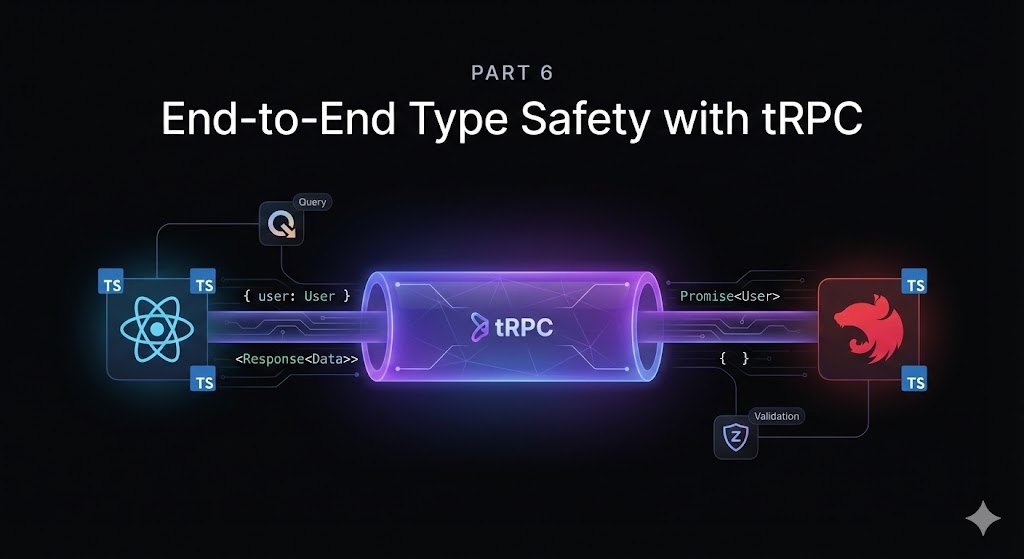
This is Part 6 of the tutorial series. If you haven’t read the earlier parts, you can start with Part 1: Introduction, or read the previous part Part 5: Authentication with Better Auth.
In Part 5, we set up authentication with Better Auth (email/password + Google OAuth). Now we need the wire that will allow our React frontend to call the NestJS backend and get the data we need.
As discussed in Part 2, tRPC is the perfect tool to help us achieve our goal of having end-to-end type safety between our React frontend and NestJS backend.
A shift in prompting strategy
Up until now, I’ve been breaking down each feature into multiple smaller prompts and steps. This approach worked well for demonstrating the thought process and making it easier to follow along. It also not long ago happened to be the recommended approach for vibe coding with AI since it’s easier for models to handle smaller tasks and steps at a time.
However, I’ve noticed the model GPT 5.2 with extra high reasoning to be reliable, even when given complex multi-part instructions. So from this part onwards, I’ll be using single, detailed prompts that describe an entire feature or use case we want to build. This approach:
- Better leverages the model’s high reasoning capabilities
- Reduces back-and-forth iterations
- Lets the AI see the full picture and create a more cohesive and complete implementation
- The tasks are still small enough to be manageable for the model and also for code review and adjustments.
Let’s see this in action with our tRPC setup.
Goal for this part
By the end of this part we’ll have:
- tRPC routers and procedures defined in
apps/api(Nest owns the API surface) - A small shared
@ai-chatbot/trpchelpers package (router + public/protected procedures) AppRoutertypes exported to the frontend (via@ai-chatbot/api/trpc)- A
/api/trpcendpoint mounted in NestJS - A tRPC client wired into React + TanStack Query
- Our first protected procedures:
chat.createandchat.list(backed by Prisma)
The prompt
Here’s the single comprehensive prompt I used to implement the entire tRPC setup:
I want to add end-to-end type-safe API communication between my React frontend and NestJS backend using tRPC. Here’s everything I need:
1. Prisma Schema Update Update my Prisma schema to add a
Chatmodel:
- Use UUIDv7 for chat IDs
- Follow my mapping conventions (
@@mapfor snake_case table names,@mapfor column names)- Use PostgreSQL
timestamptz(@db.Timestamptz) for timestamps- Chat belongs to a User (one user has many chats)
- Add an index on
user_id- Keep it minimal: id, userId, title, createdAt, updatedAt
2. Shared tRPC Helpers Package Create a new buildable workspace package at
packages/trpccalled@ai-chatbot/trpc:
- Compile to
dist/(CommonJS, consistent with our other backend packages)- Export
router,publicProcedure, andprotectedProcedure- Export
TrpcContextandProtectedContexttypesprotectedProceduremust throwUNAUTHORIZEDif there is no authenticated user in context- Define
AuthUser,TrpcContext, andProtectedContexttypes for the context (containingdbanduserinstances)3. NestJS Router Setup In
apps/api, create a tRPC router with:
chat.createandchat.listas protected procedures (Prisma-backed)- A
createContextthat injectsdb(Prisma client) and resolvesuserfrom Better Auth cookies- Mount tRPC at
/api/trpcinmain.tsusingcreateExpressMiddleware- Export
AppRoutertypes from the API package so the web app can import them via@ai-chatbot/api/trpc4. React Client Setup In
apps/web, set up tRPC + TanStack Query:
- Add
@ai-chatbot/apias a workspace devDependency (so TS can importAppRouter)- Create a
trpchelper typed withAppRouterfrom@ai-chatbot/api/trpc- Create a QueryClient
- Use
httpBatchLinkpointing at${VITE_API_URL}/api/trpc- Ensure cookies are included (
credentials: "include")- Wrap the app in providers in
main.tsx5. UI Component Create a
ChatsPanelcomponent that:
- Calls
trpc.chat.list.useQuery()to list chats- Calls
trpc.chat.create.useMutation()to create new chats- Invalidates
chat.liston successful creation- Shows loading and error states
- Uses the existing
Buttonstyling- Plug it into the authenticated branch of
App.tsx
Model: GPT-5.2 (extra high reasoning)
What the AI implemented
The AI successfully implemented all five parts in a single pass:
Prisma Schema:
- Added a
Chatmodel underpackages/db/prisma/schema.prismawith all the specified conventions
Shared tRPC Package (packages/trpc):
- Created the directory structure with
context.ts,trpc.ts, andindex.ts - Defined
AuthUser,TrpcContext, andProtectedContexttypes - Initialized tRPC and defined
router,publicProcedure, andprotectedProcedurewith auth middleware
NestJS Router (apps/api):
- Added chat procedures + app router inside
apps/api/src/trpc - Added a typed
createContext - Mounted
createExpressMiddlewareinmain.ts - Exported
AppRoutertypes via@ai-chatbot/api/trpc
React Client (apps/web):
- Added
src/lib/trpc.ts - Updated
src/main.tsxto include QueryClientProvider + trpc.Provider
UI Component:
- Implemented
ChatsPanelcomponent to list chats and create new ones using tRPC hooks
At this point we should be able to:
- Log in / Sign up
- Once logged in, see an empty chat list
- Create a chat
- See it appear immediately in the list
Testing checklist
- Start the database:
Run docker compose up -d
- Start apps:
Run pnpm dev
- In the browser:
- Sign in
- Click “New chat”
- Refresh the page (list should still show, because data is persisted)
Code Quality Standards
To maintain consistent code quality and development practices across the codebase, I added the following Cursor Rules to enforce our standards:
- Quality Checks (
.cursor/rules/quality-checks.mdc): Defines required checks that must run after any code changes, including formatting, linting, and TypeScript type checking - Prisma Schema Conventions (
.cursor/rules/prisma-schema-conventions.mdc): Ensures consistent Prisma schema patterns, including UUIDv7 IDs, PostgreSQL timestamptz types, and proper snake_case mapping
I also asked the AI to do a code review of the codebase, fixed minor issues it found and also did:
- Add validation to env variables with zod in the
@ai-chatbot/apipackage. - Add basic rate limiting to the
/api/authand/api/trpcendpoints withexpress-rate-limit. - Improve CORS configuration in the
@ai-chatbot/apipackage. - Add helmet to the
@ai-chatbot/apipackage with a basic configuration.
Next steps
We can create chats, but we still don’t have an actual “chatbot”.
In Part 7, we’ll build the core chat experience:
- Message model + persistence
- A chat page UI
- Sending a message to the backend and saving it
Then we can finally plug in an LLM provider and start streaming responses.
Repository State: The current state of the codebase described in this article is available in the feat/trpc-setup branch on GitHub.